
7 Common Home Office Mistakes and How to Avoid Them
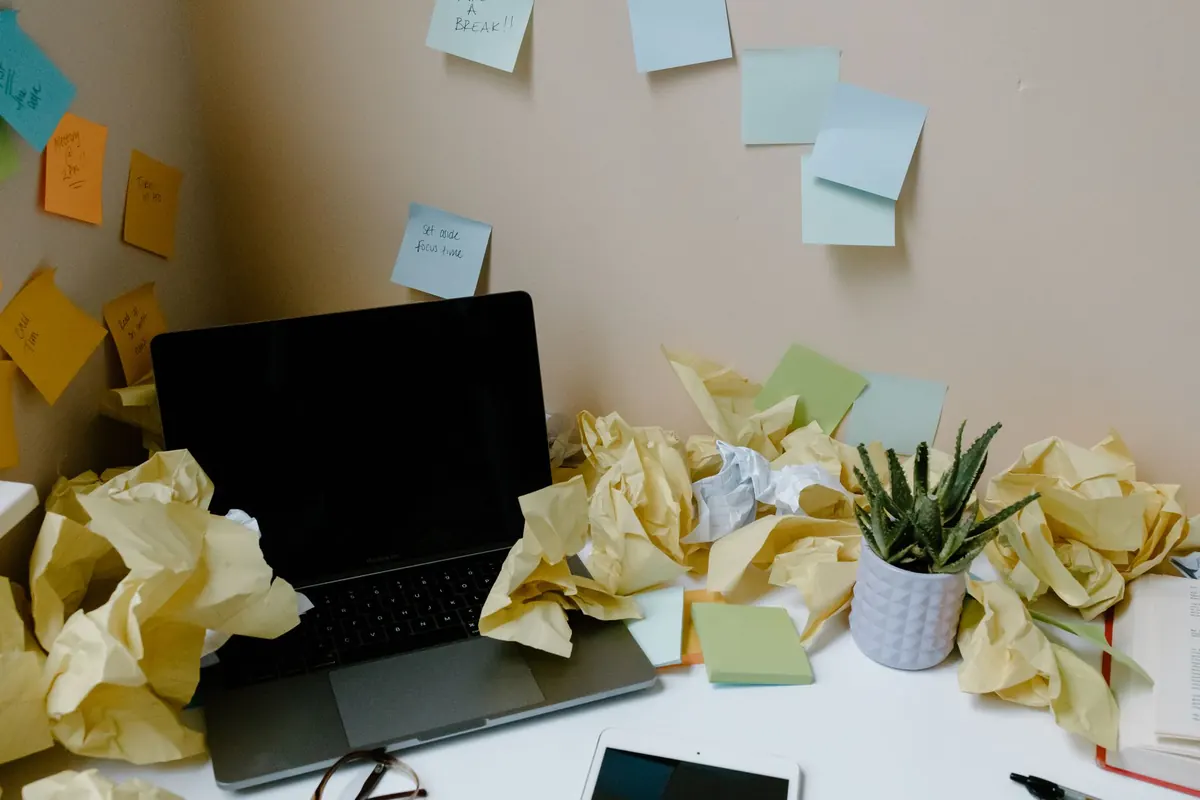
Most home offices are assembled by accident. A spare room, a table, a chair borrowed from the dining set — it does the job for a fortnight, then quietly stops working. The problems rarely arrive all at once. They accumulate: a dull ache between your shoulder blades, a task that swallows three hours instead of one, a nagging sense that you are working constantly yet finishing very little. None of it is unusual, and all of it is fixable. Here are seven mistakes that catch people out, with practical ways to correct each one.
1. Sitting as though you are on a sofa
Posture drifts. You start the day upright, then your hips slide forward, your lower back rounds and your chin creeps towards the screen. By late afternoon your neck is complaining and you are not sure why.
Adjust from the ground up, in this order:
- Chair height first. Set the seat so your feet rest flat on the floor and your knees sit level with, or slightly below, your hips. If your feet dangle, use a footrest or a sturdy box.
- Then the backrest. Sit back so your lower back is supported. A small cushion or rolled towel behind the waistband of your trousers can make an average chair far more comfortable.
- Then the desk. Your elbows should rest at roughly 90 degrees with your shoulders relaxed, not hitched up towards your ears.
- Then the screen. The top third of the display should sit at about eye level, roughly an arm's length away.
Laptops are where most setups fail: you cannot have the keyboard and the screen at the correct height at the same time. Raise the laptop on a stand or a stack of books, then add a separate keyboard and mouse. If pain lasts more than a few days, see your GP or a physiotherapist rather than working through it.
2. Treating the desk as a shelf
Papers spread, mugs gather, cables tangle, and within a month you are working in a nest. Clutter costs you more than tidiness: every unrelated object in view is a small prompt to think about something else.
Try a five-minute reset at the end of each day. Clear everything except what you use daily, put paper into one in-tray rather than three piles, and deal with that tray once a week. Keep a drawer for the things you need monthly and a box for the things you have not touched since last winter. If you have not opened it in a year, it does not need to sit beside your keyboard.
3. Sitting still for hours on end
The body does not enjoy being parked. Long stretches in one position leave your neck, shoulders and hips stiff, and your concentration fades long before you notice it.
Set a timer rather than relying on willpower. Stand up at least once an hour, even if it is only to refill a glass of water or walk to the kitchen. Take calls standing where you can, and use the 20-20-20 habit for your eyes: every 20 minutes, look at something roughly 20 feet away for about 20 seconds. It sounds trite until you try it during a long afternoon of screen work.
Keep breaks short and deliberate. Ten minutes away from the screen beats forty minutes of half-working while half-scrolling, because scrolling does not rest your eyes or your attention.
4. Leaving every distraction switched on
A phone face-up on the desk is an invitation. So is a personal inbox in a second tab, a smart speaker that announces every delivery, and a household that assumes you are free because you are at home.
- Put the phone in another room, or at least face down, during focused blocks.
- Turn off desktop notifications for chat and email, and check them at set times instead.
- Tell the people you live with your working hours. A closed door or a pair of headphones is a useful signal that you are not available.
- Keep a notepad beside you. When an unrelated thought arrives, write it down and return to it later.
One clear hour beats three distracted ones, and the difference shows up in the quality of what you produce, not just the quantity.
5. Lighting the room badly
A desk facing a bright window means glare on the screen; a desk with a window behind it means glare in your eyes. Both make you lean in, squint and tire faster.
Where you can, place the desk so the window is to your side. Close blinds or curtains in the middle of the day if the sun is directly on the screen, and add a small desk lamp so you are not working in a shadow. Match the brightness of your screen to the room — a blazing display in a dim room is uncomfortable, and so is a dim one in a bright space. Give your eyes somewhere comfortable to rest between tasks.
6. Never properly starting or stopping
Working from home blurs the edges. You drift to the desk in the morning without deciding to start, then answer one last email at ten at night. The result is a day that feels long and unproductive at the same time.
Give the day a real beginning and a real end. A short walk before you sit down works as a substitute for a commute, and a shutdown routine works as a substitute for leaving the building.
Three lines in a notebook — what I finished, what is next, what can wait — will do more for your evenings than any productivity app.
Write tomorrow's first task before you close the laptop, shut down the machine rather than leaving it sleeping, and step away from the desk. If you work in the same room you relax in, cover the setup or turn the chair to face the wall so the desk stops looking like an unfinished job.
7. Buying equipment in the wrong order
It is easy to spend money on gadgets while sitting in a chair that hurts. Start with the things that touch your body: a chair you can adjust, a screen at the right height, and enough light. Everything else can wait. Buy second-hand if the budget is tight — a good used office chair usually beats a cheap new one. If you are considering a standing desk, plan to alternate between sitting and standing rather than standing all day.
Start with one fix this week
You do not need to overhaul the whole room on a Sunday afternoon. Pick the mistake that costs you most, choose the cheapest correction available, and run it for a week. Reset your chair, add a break timer, or write a shutdown list. Then add the next one.
Small adjustments made consistently are what turn a corner of a room into a place where you can think clearly and finish the day without aching. If any discomfort is persistent, sharp or getting worse, speak to a doctor or physiotherapist — self-help only goes so far.
Photo: Tara Winstead / Pexels